

Using myproducer on your phone
Projects, contacts, checks, offers, messages, jobs and your team all work on your phone.
myproducer.io works in your phone's browser. There's no app to install: go to app.myproducer.io and sign in.
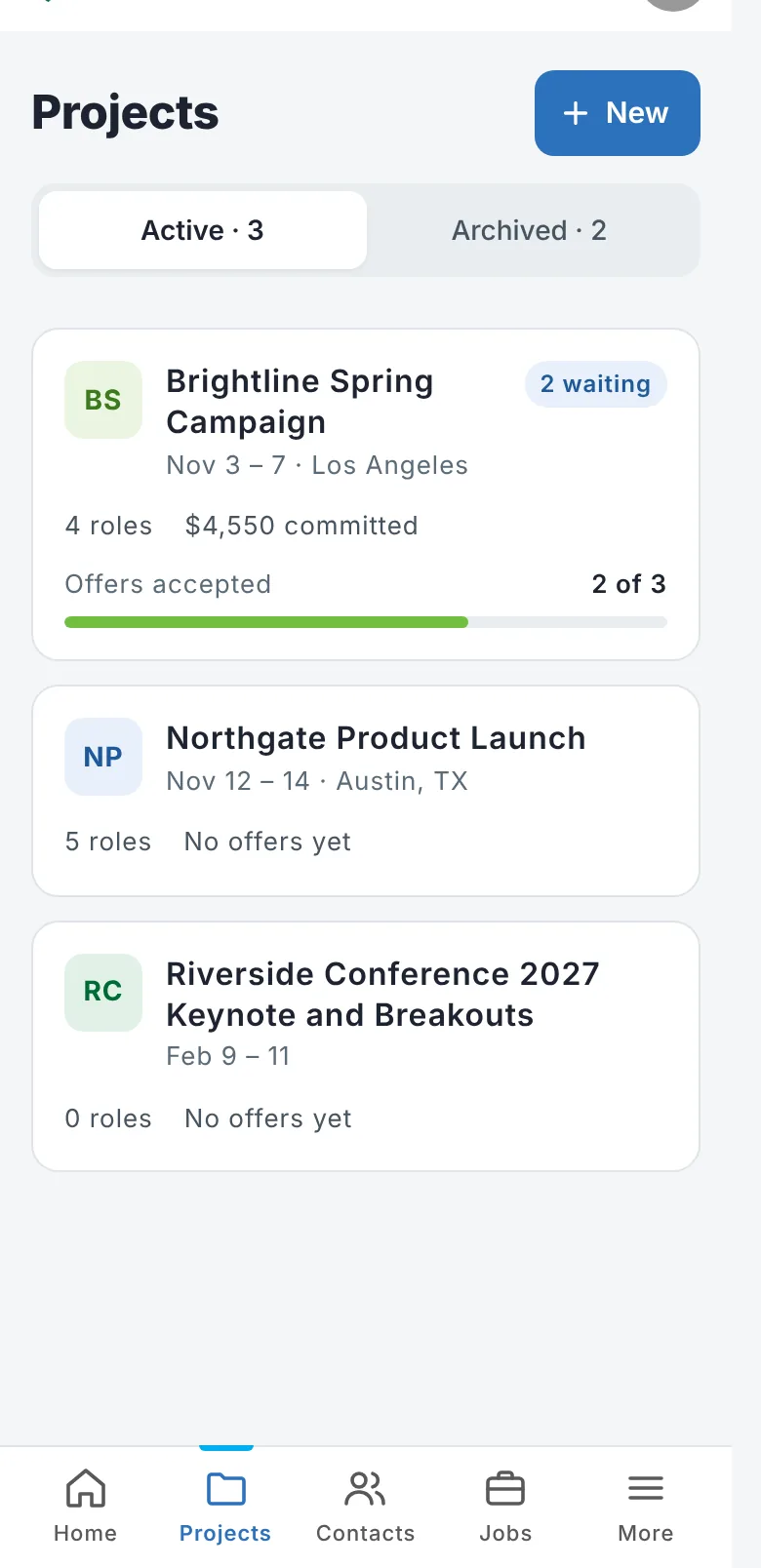
On a phone you get a tab bar at the bottom: Home, Projects, Contacts, Jobs and More.
What works on a phone
- Home: your summary, recent checks and offers, and notifications
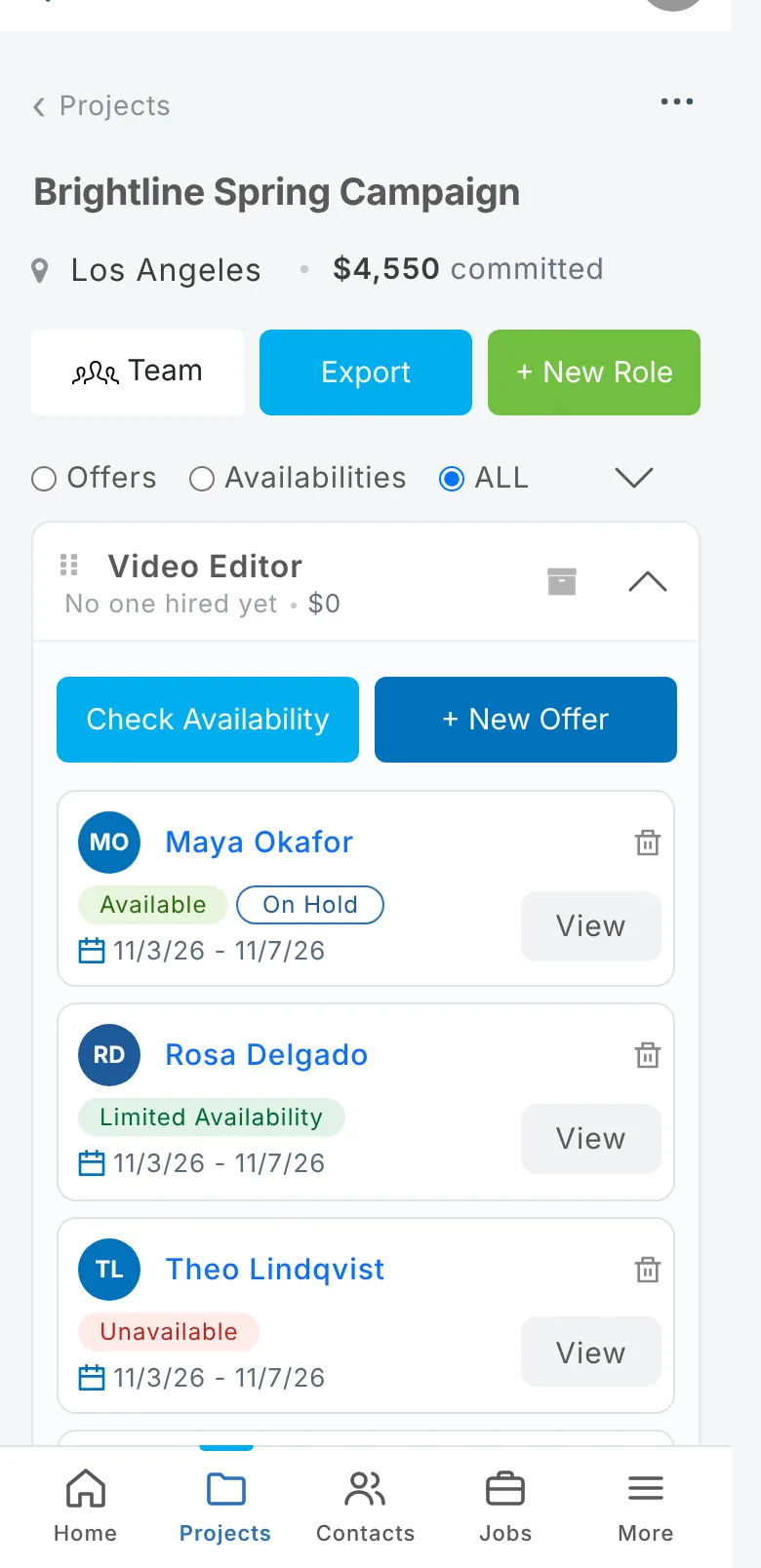
- Projects: every project, its roles and each person's status
- Availability checks, holds and offers: sending, answering and following up
- Messages with each person
- Contacts, including notes and tags
- Jobs: your job posts and applicants
- Team, your profile and settings
A few rarely used screens still say This page is coming to phones soon. Open those on a computer or tablet.
Tip: On iPhone, open myproducer in Safari, tap Share → Add to Home Screen, and it opens like an app.
Updated October 2026. Something not right? Tell us.