

Create a project
A project is one job: a shoot, an event or a campaign. Give it a name and dates, then add roles.
- Go to Projects and choose Create New Project (on a phone, + New).
- Enter the project name, start and end dates, and optionally a location.
- Choose who's helping on this project. Pick any teammates you want to give access, or skip this.
- Create the project. It opens so you can add roles.
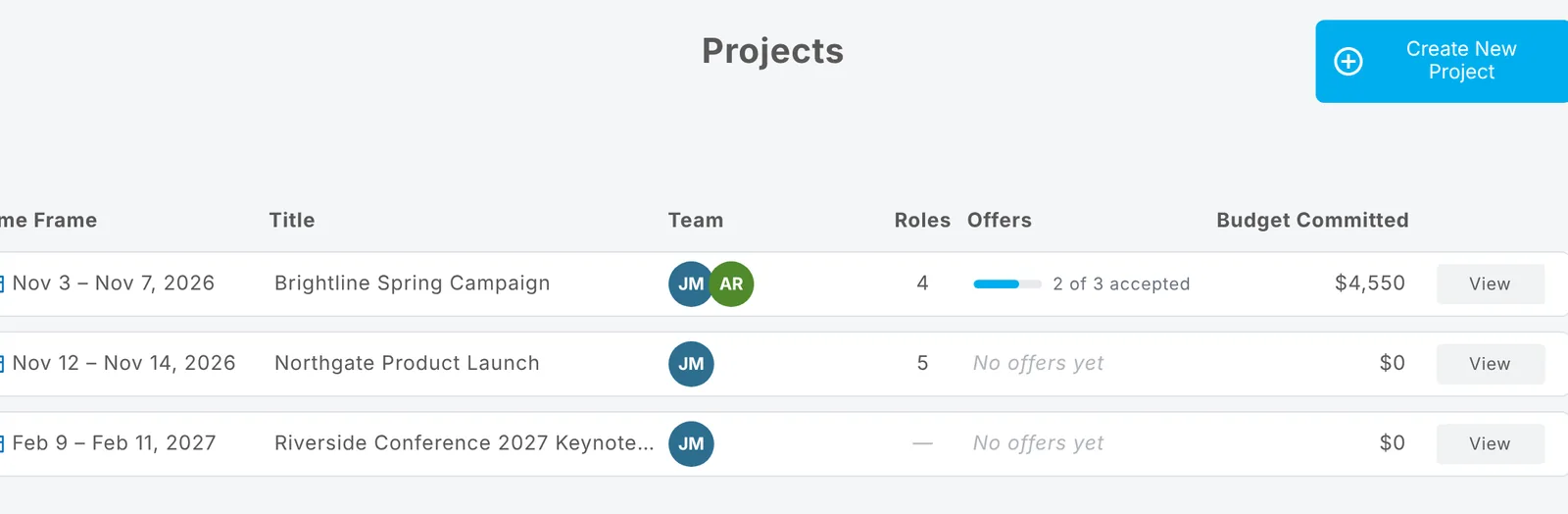
The Projects list shows each project's dates, who's on its team, how many roles it has, how many offers have been accepted and the budget committed so far.
Tip: Creating projects needs a plan or your free trial. Plans and pricing
Updated October 2026. Something not right? Tell us.