

Review applicants
Shortlist, add to your contacts or decline the people who apply.
When someone applies, you get an email and a notification. Open the job post from Jobs to see everyone who's applied.
What applicants send
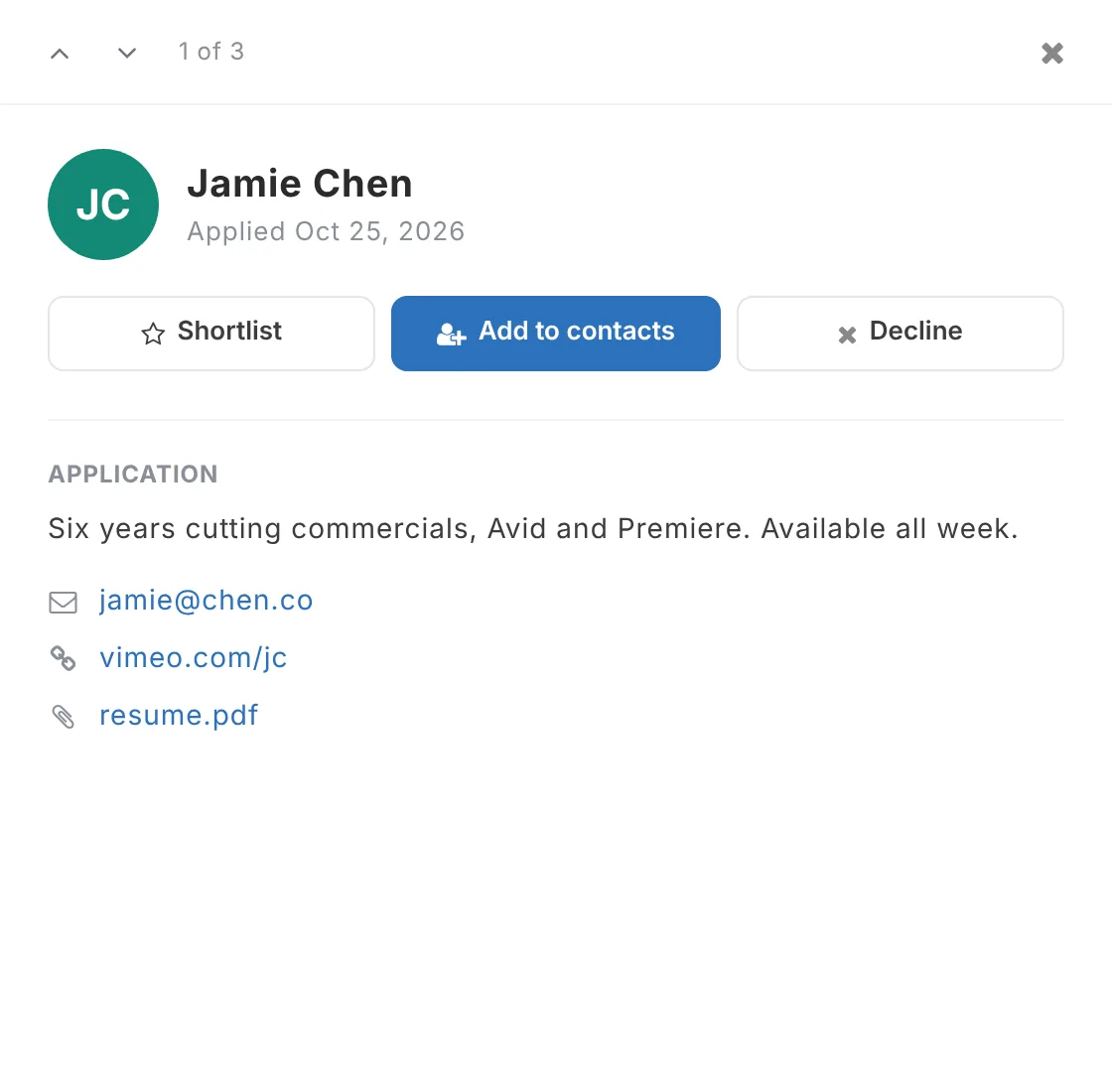
Their name and email, and optionally their phone, up to 3 links (reel, portfolio, IMDb), a résumé (PDF or Word) and a note.
What you can do
Choose an applicant to open their application, then:
- Shortlist to keep them in mind
- Add to contacts so you can check their availability and send offers
- Decline. Applicants aren't told when you decline.
Use the tabs (All, New, Shortlisted, Added to contacts, Declined) to sort through them, and the arrows at the top to move from one applicant to the next.
Updated October 2026. Something not right? Tell us.